How to join
Set up once, about twenty minutes. After that, joining is one click from the home page.
Every mod in one download
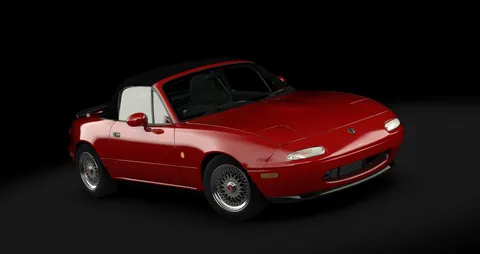
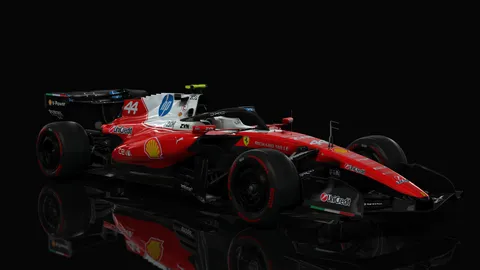
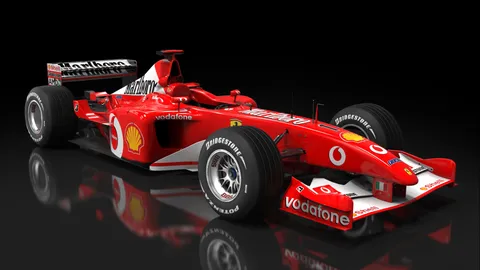
1 mod, 78.0 MB. Drag the zip onto the Content Manager window and it installs them all. 366 more come from their authors' own sites, listed below.

One-time setup
- Assetto Corsa with every DLCThe Ultimate Edition on Steam has them all. Official cars and tracks always come from Steam, never from here.
- Content ManagerThe launcher everybody uses; the free Lite version is enough. Get it at acstuff.club/app and point it at your Assetto Corsa folder.
- Custom Shaders PatchIn Content Manager open Settings, then Custom Shaders Patch, and install the recommended version. The freeroam server turns away older versions.
- The modsDownload the mod pack above and drag it onto the Content Manager window. That's every car and track this server uses that isn't in the base game.
Joining a race
- Press JoinUse the Join button on the home page while a server is live, or find the server by name in Content Manager's Online tab.
- Missing something?Content Manager offers Install missing content. Mods shared here download straight from this server.
- Pick a car and driveChoose a livery, press Join, and wait in the pits until the session starts.
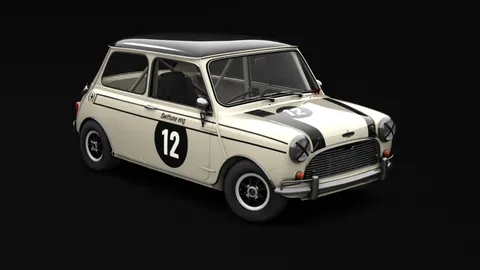
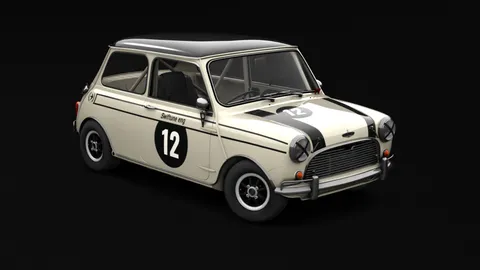
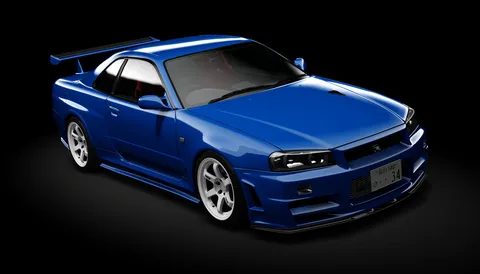
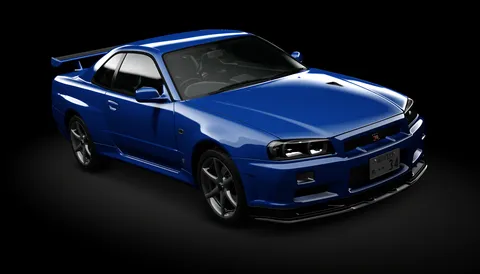
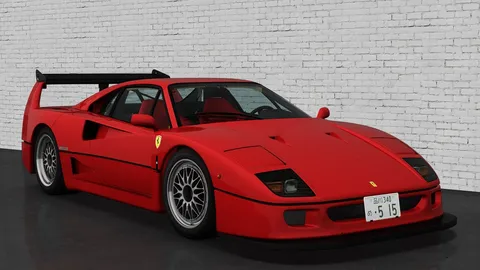
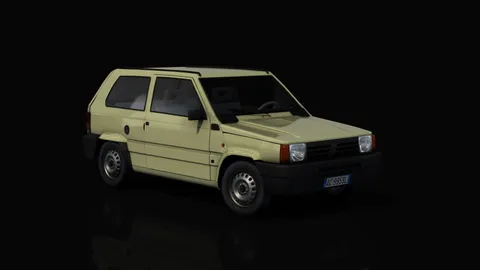
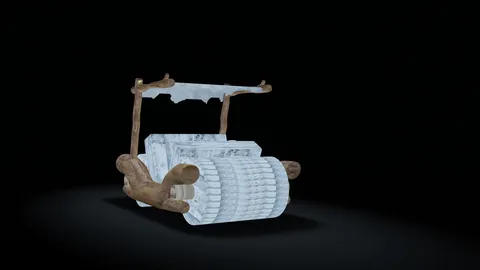
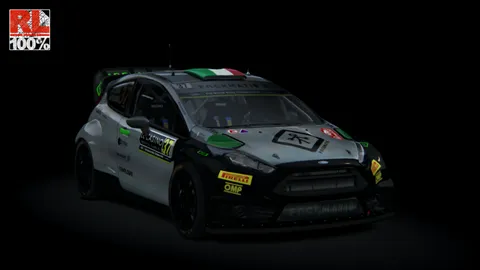
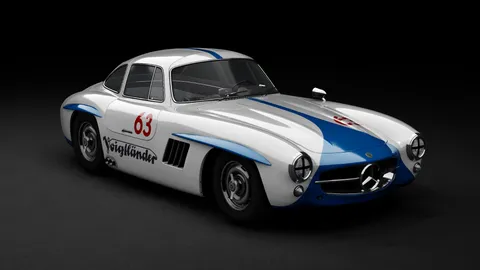
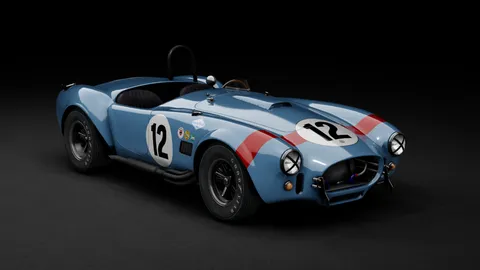
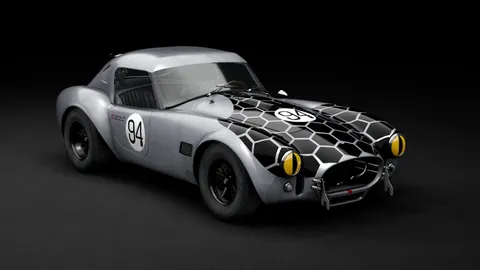
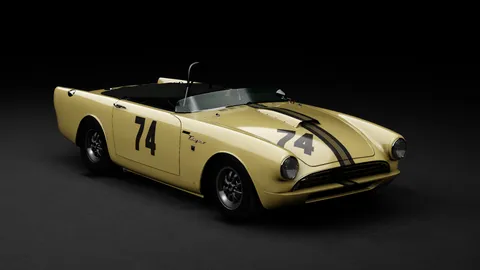
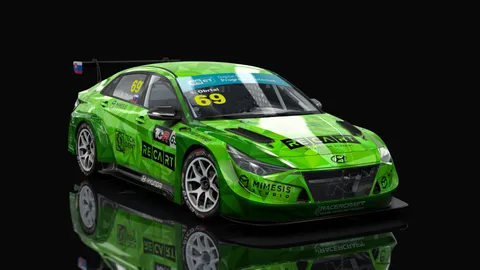
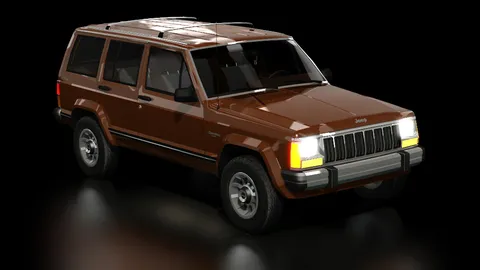
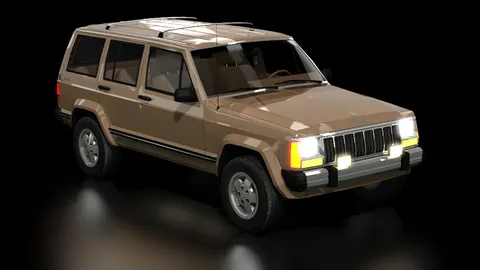
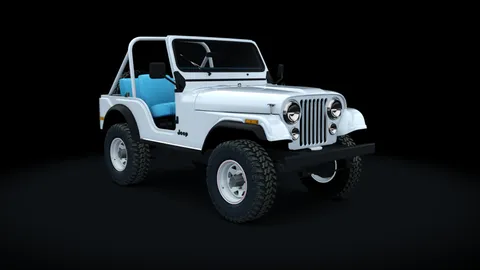
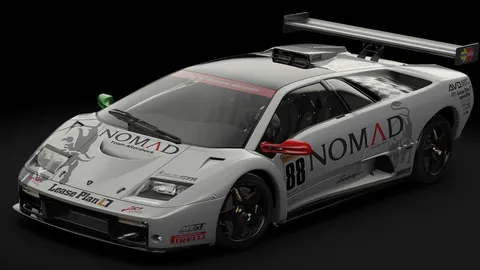
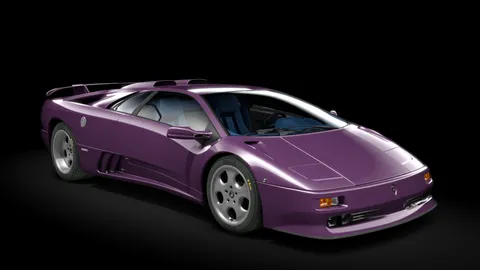
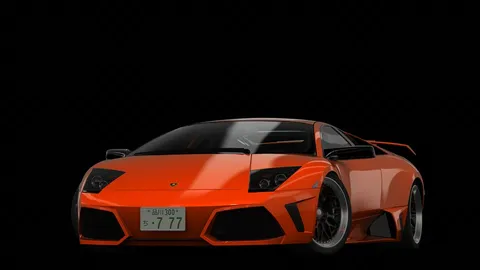
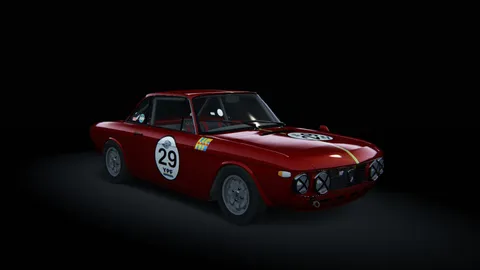
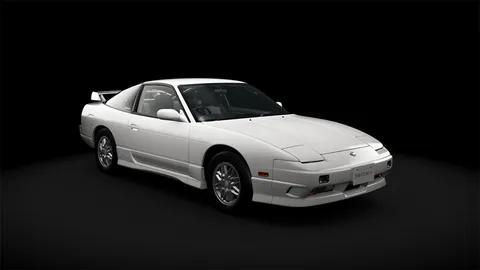
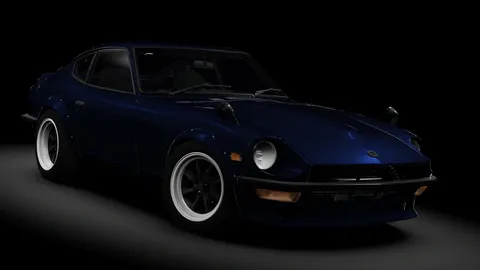
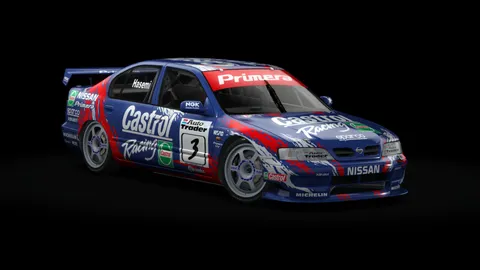
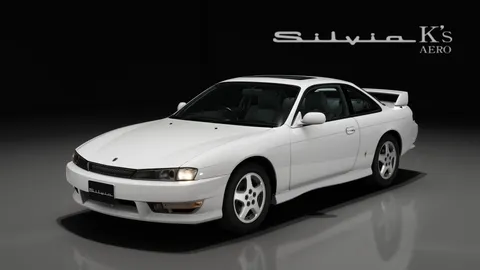
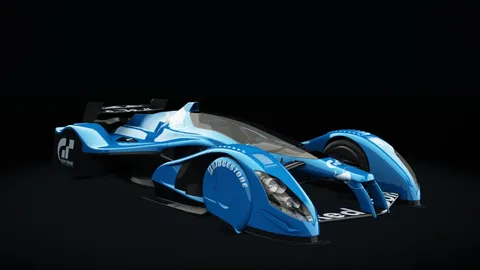
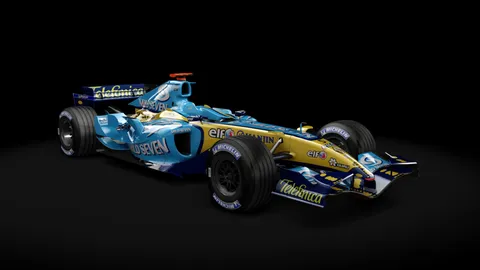
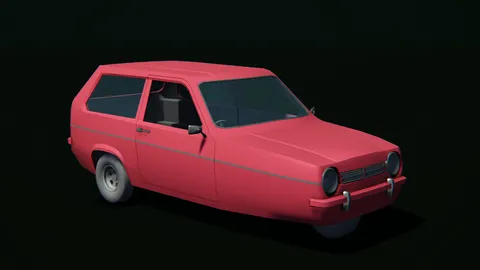
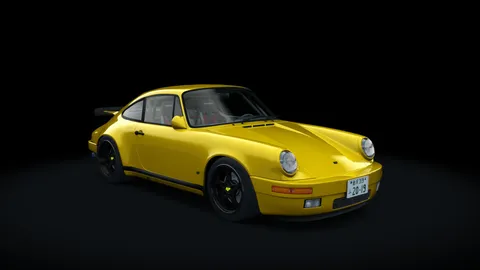
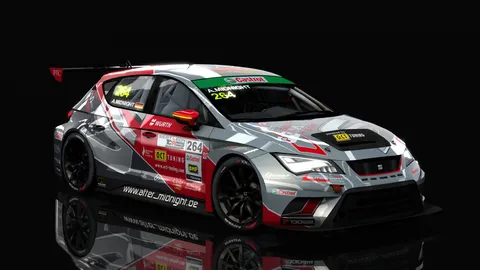
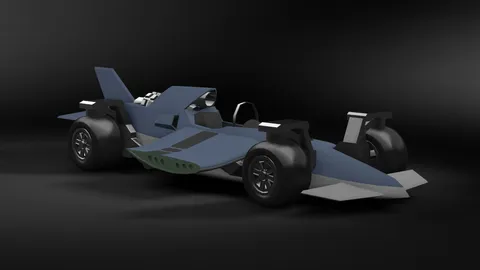
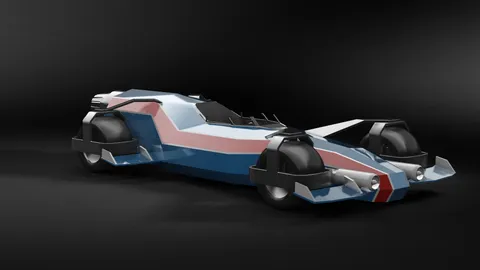
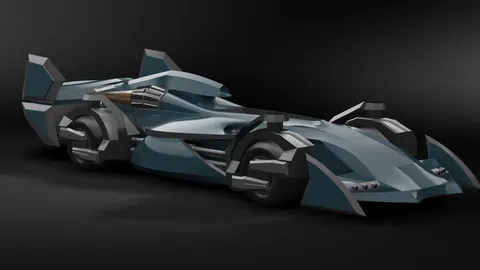
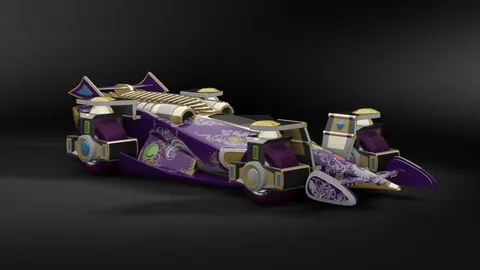
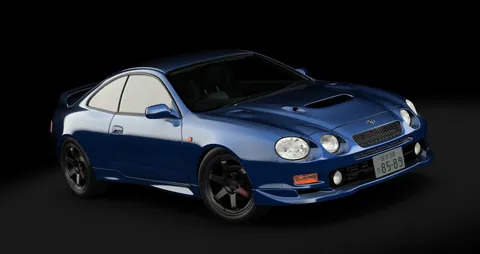
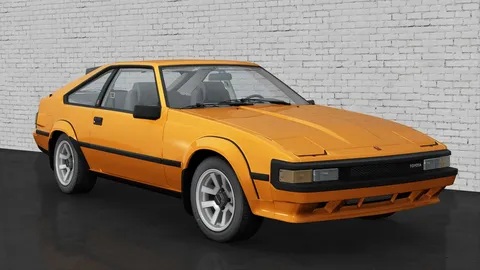
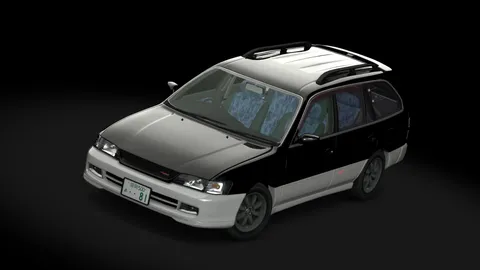
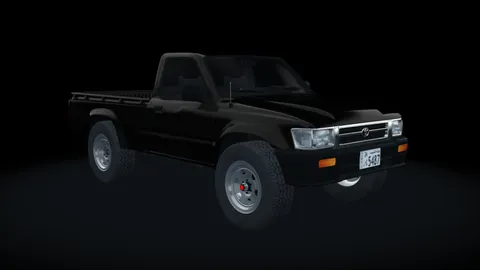
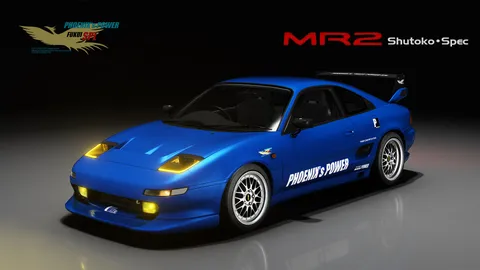
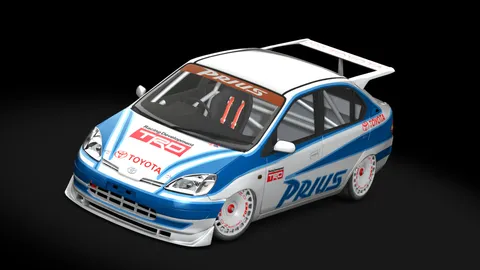
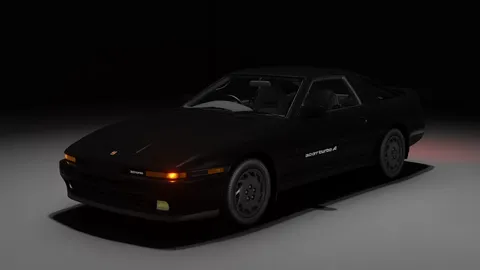
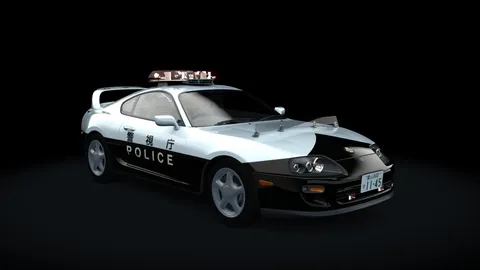
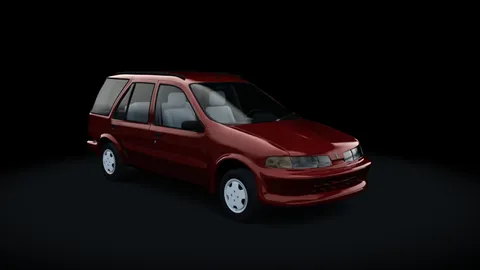
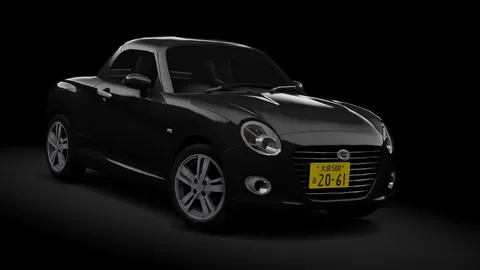
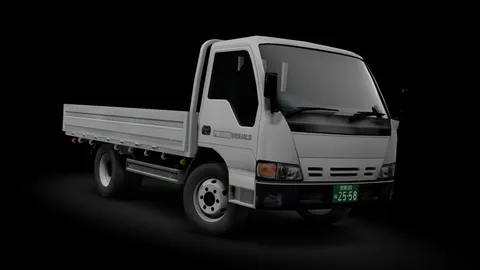
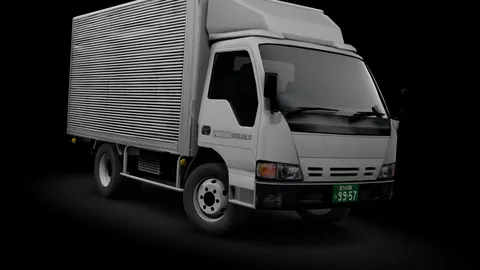
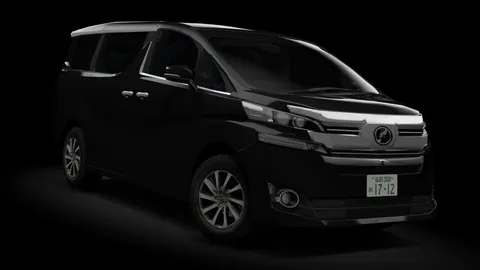
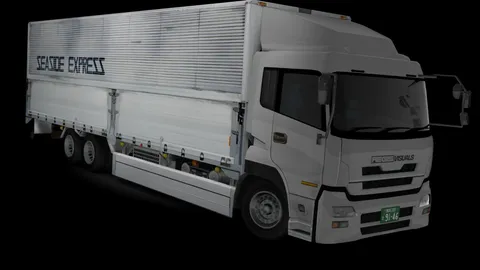
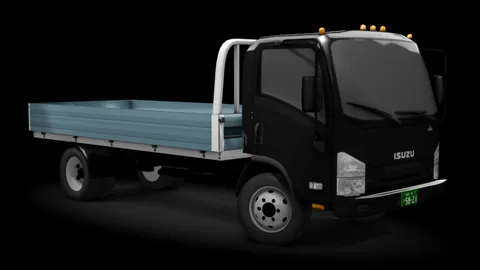
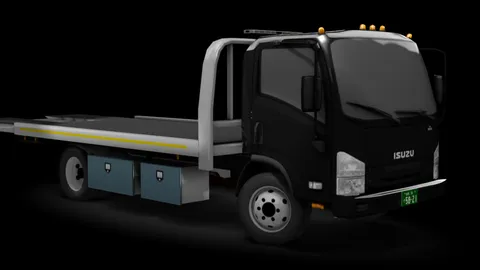
All mods on the server
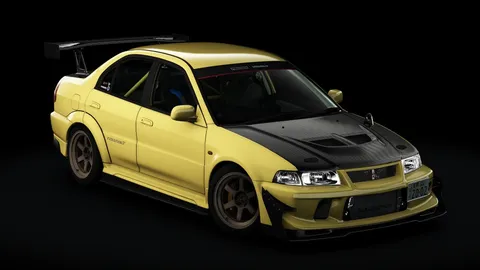
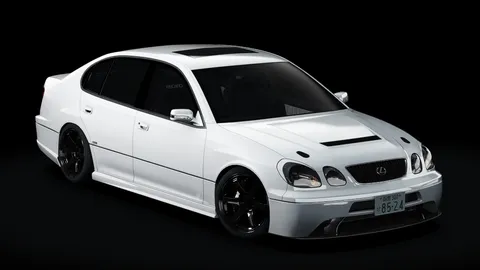
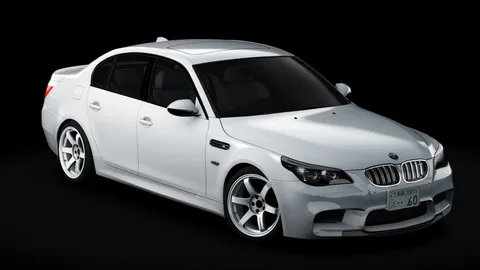
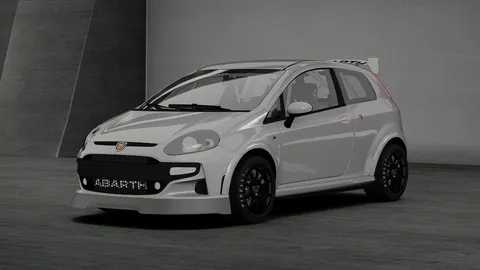
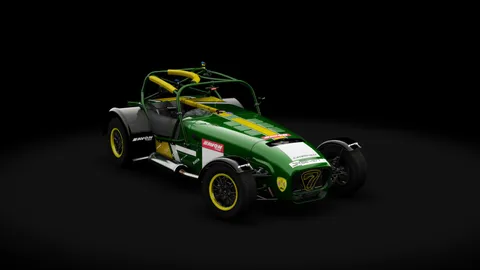
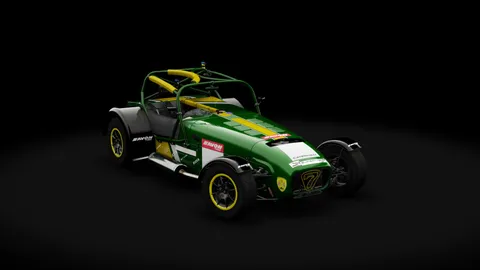
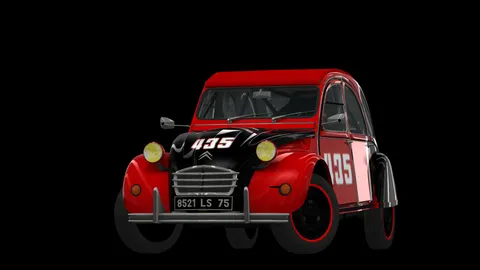
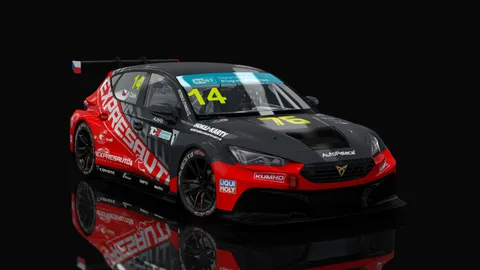
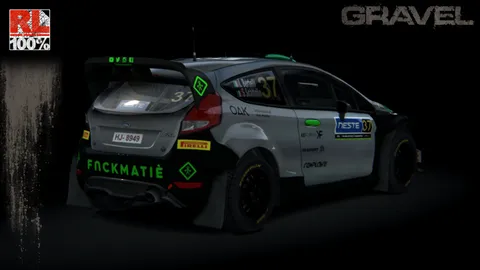
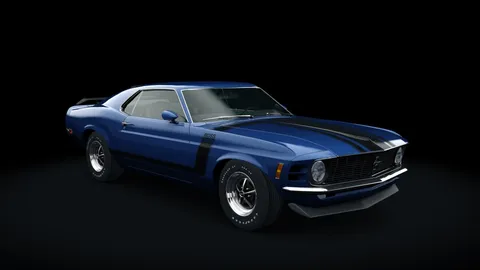
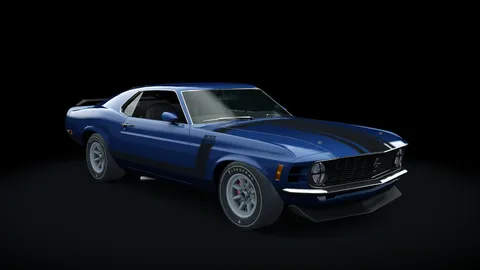
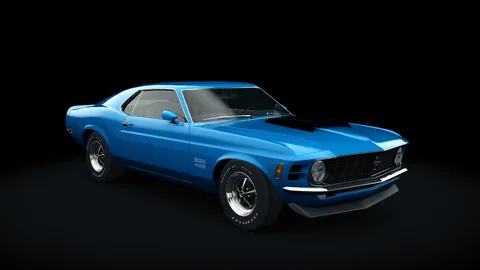
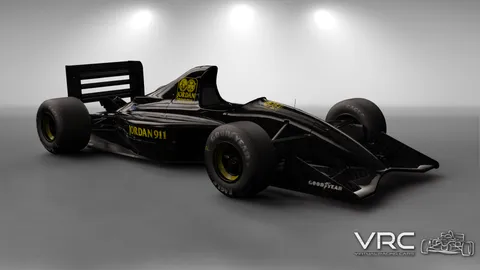
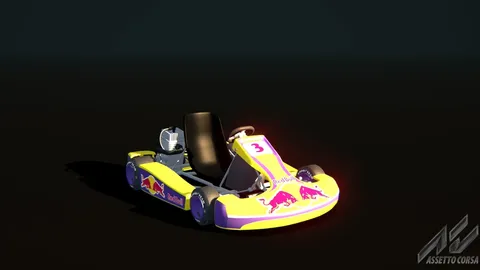
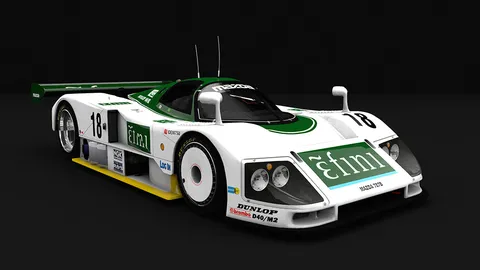
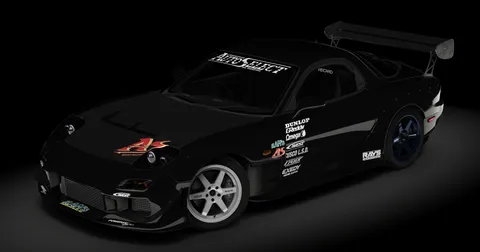
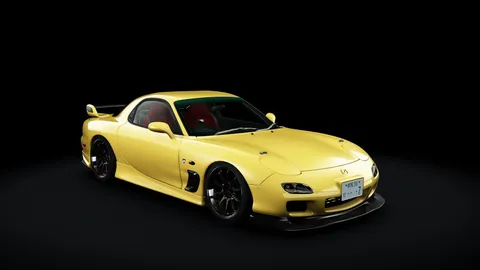
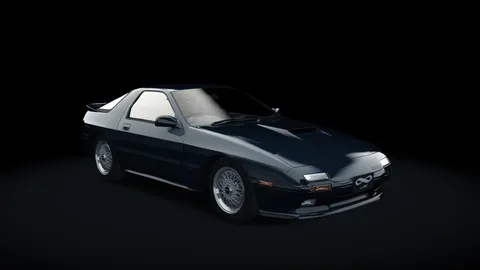
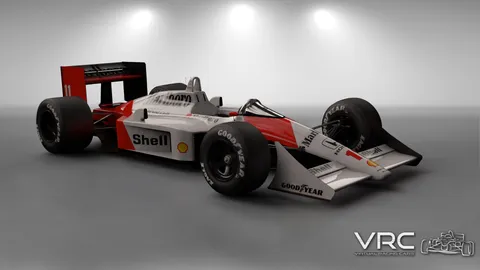
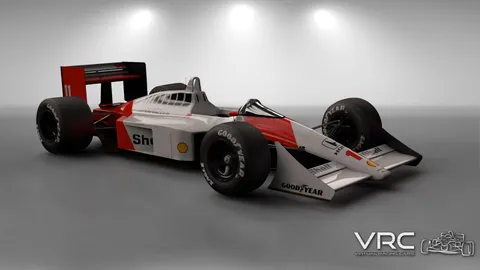
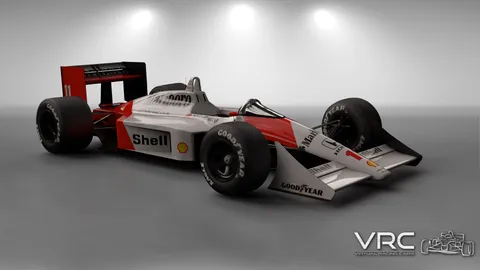
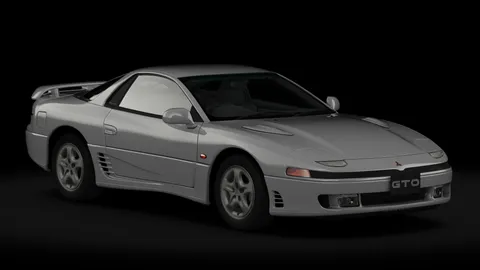
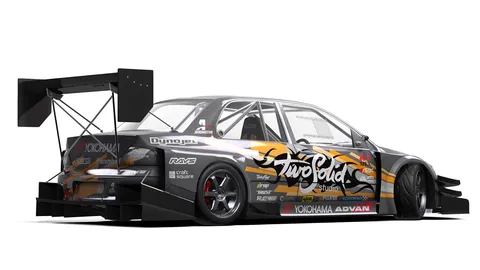
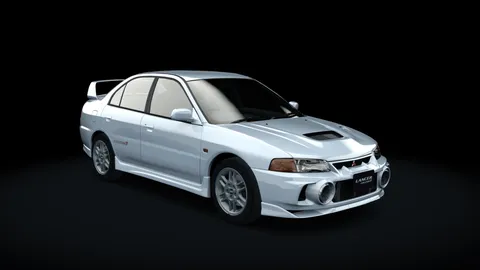
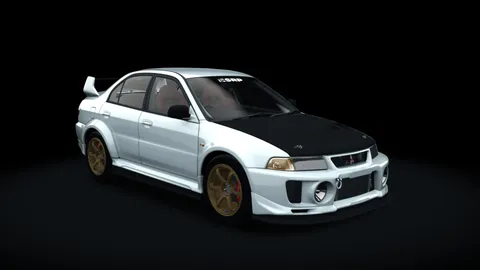
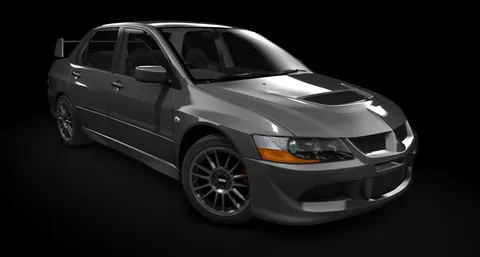
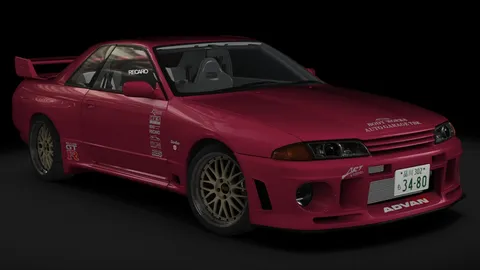
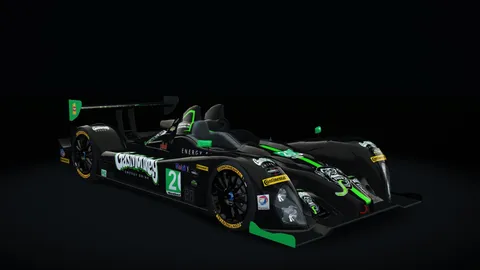
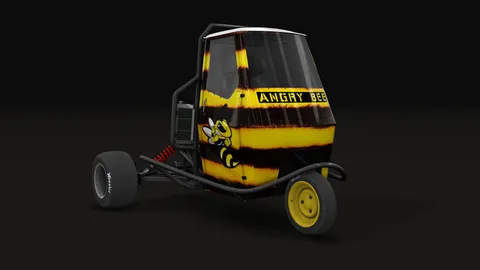
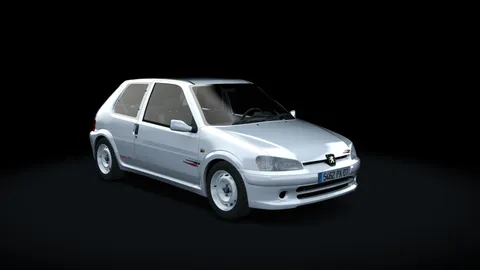
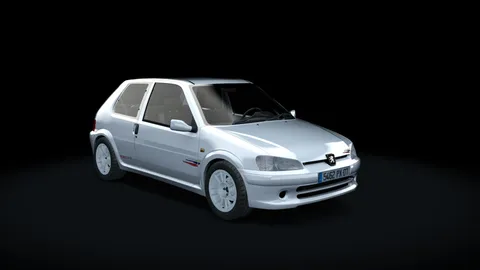
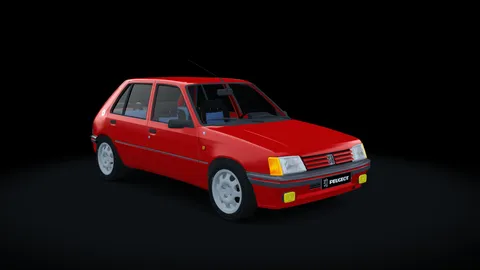
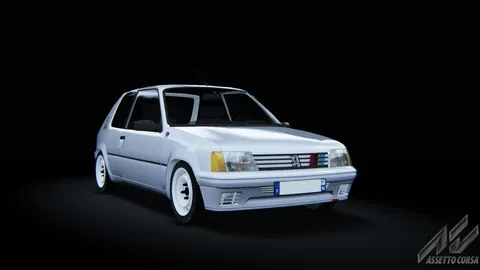
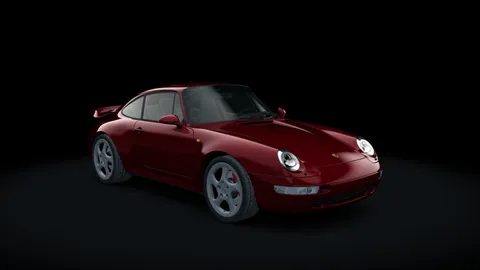
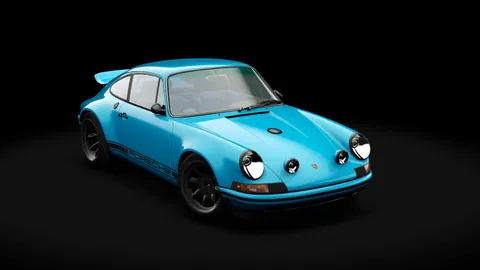
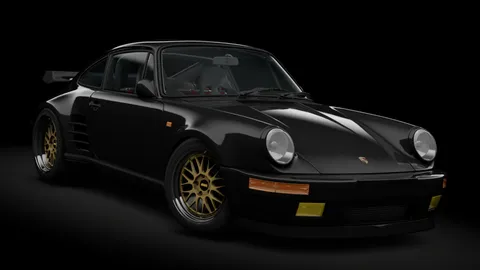
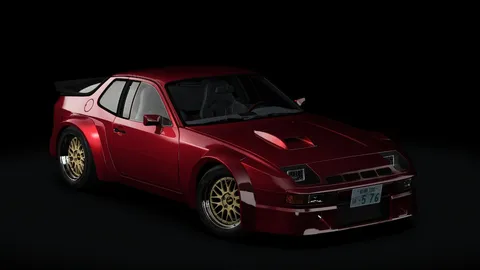
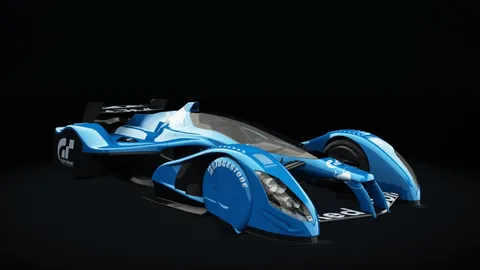
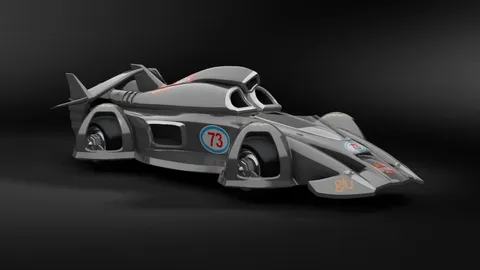
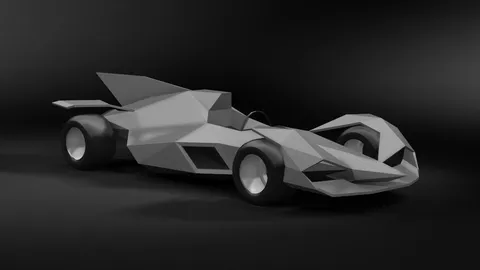
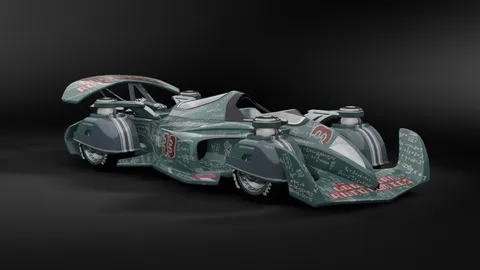
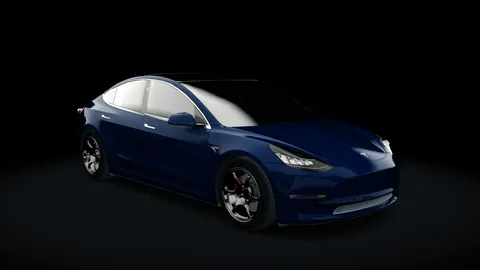
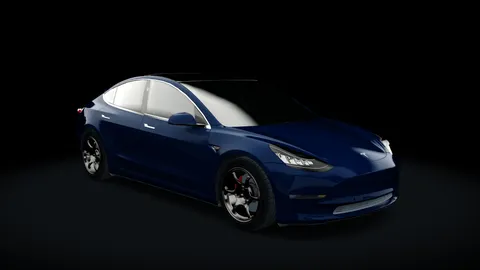
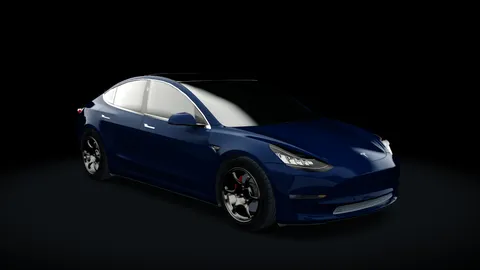
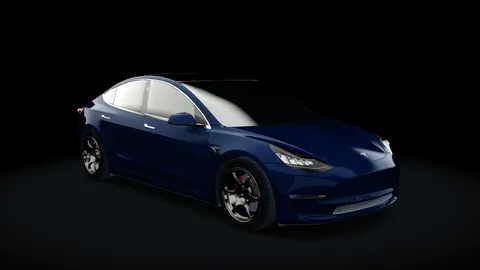
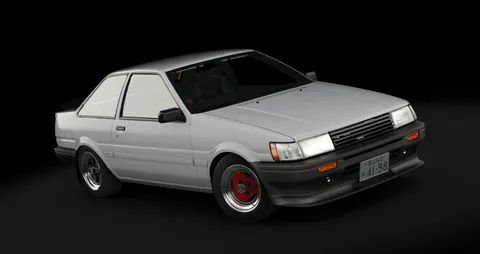
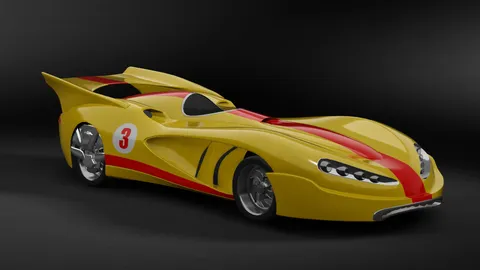
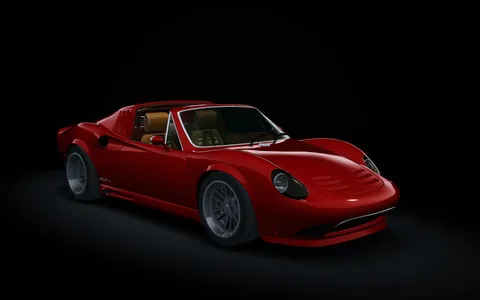
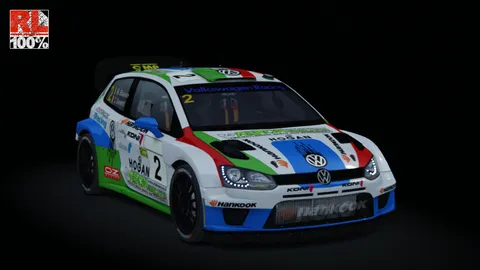
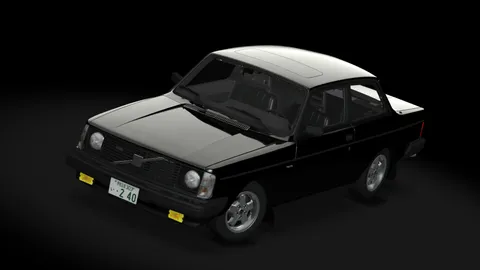
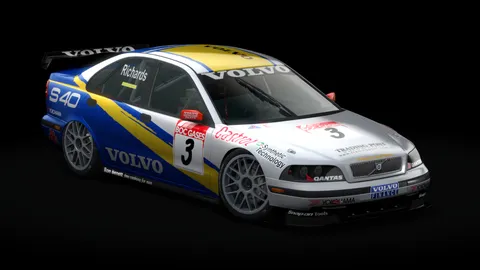
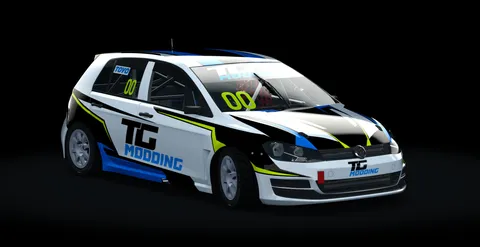
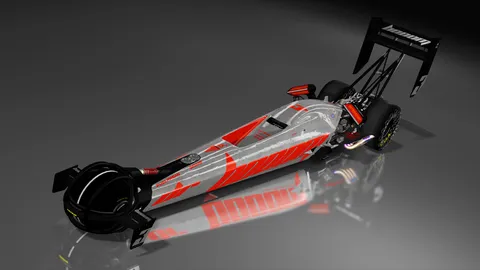
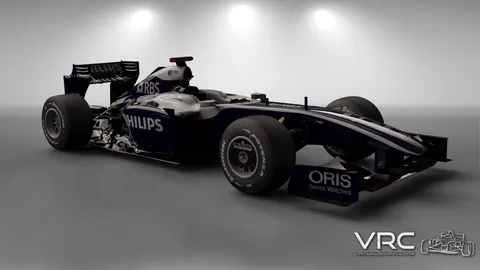
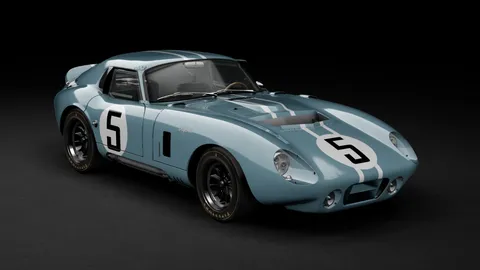
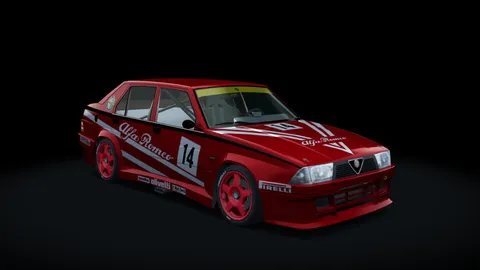
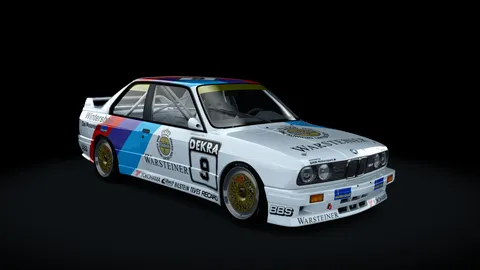
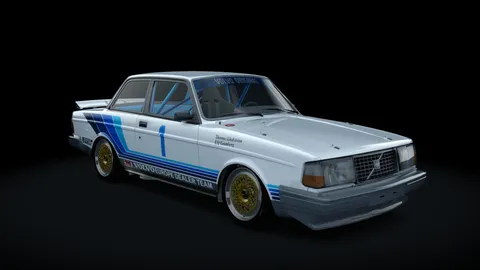
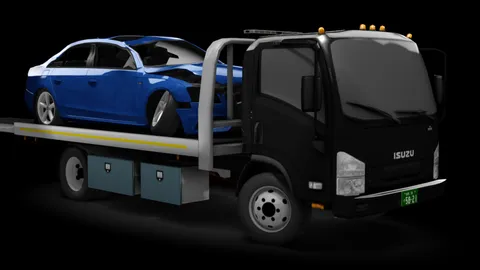
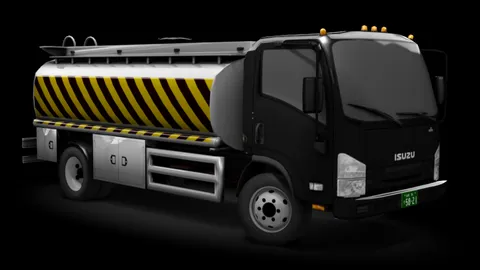
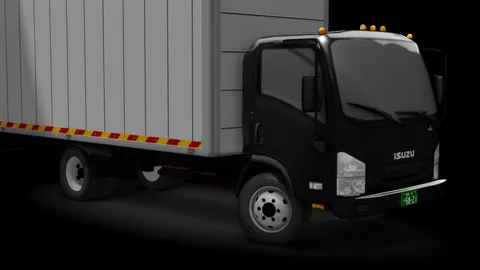
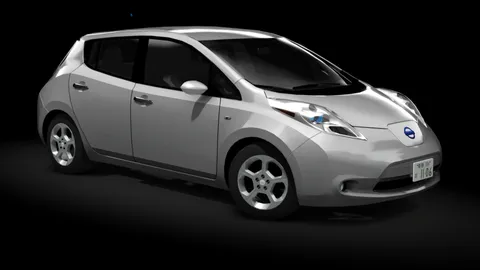
Some authors don't allow re-uploads: those link to their own page.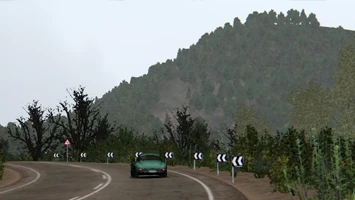

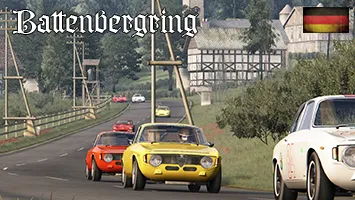
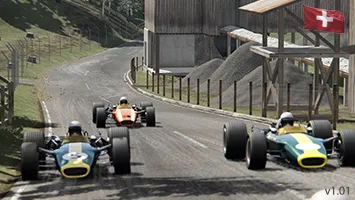


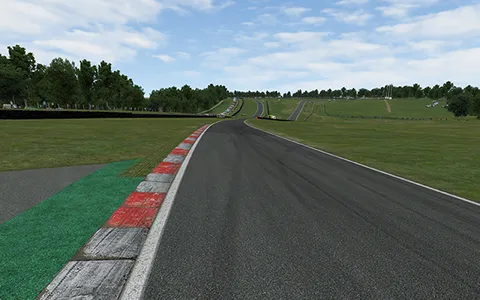








































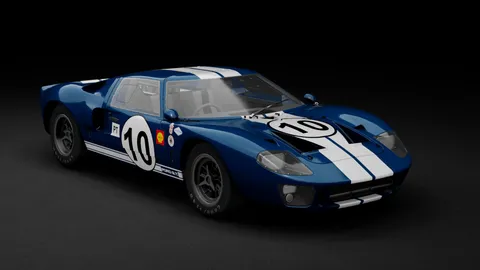
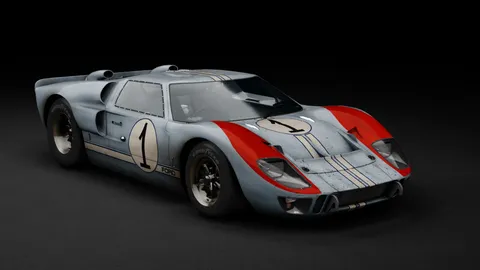
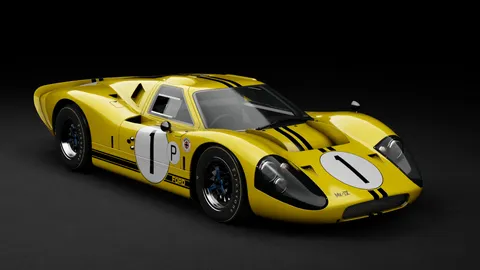

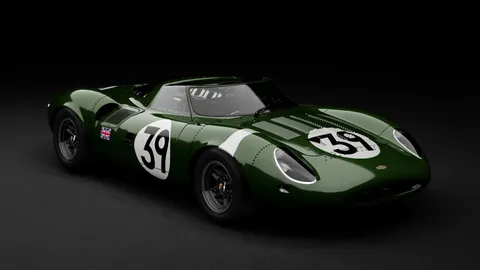






Servers
Race server
OffNot running right now.
Freeroam server
OffNot running right now.